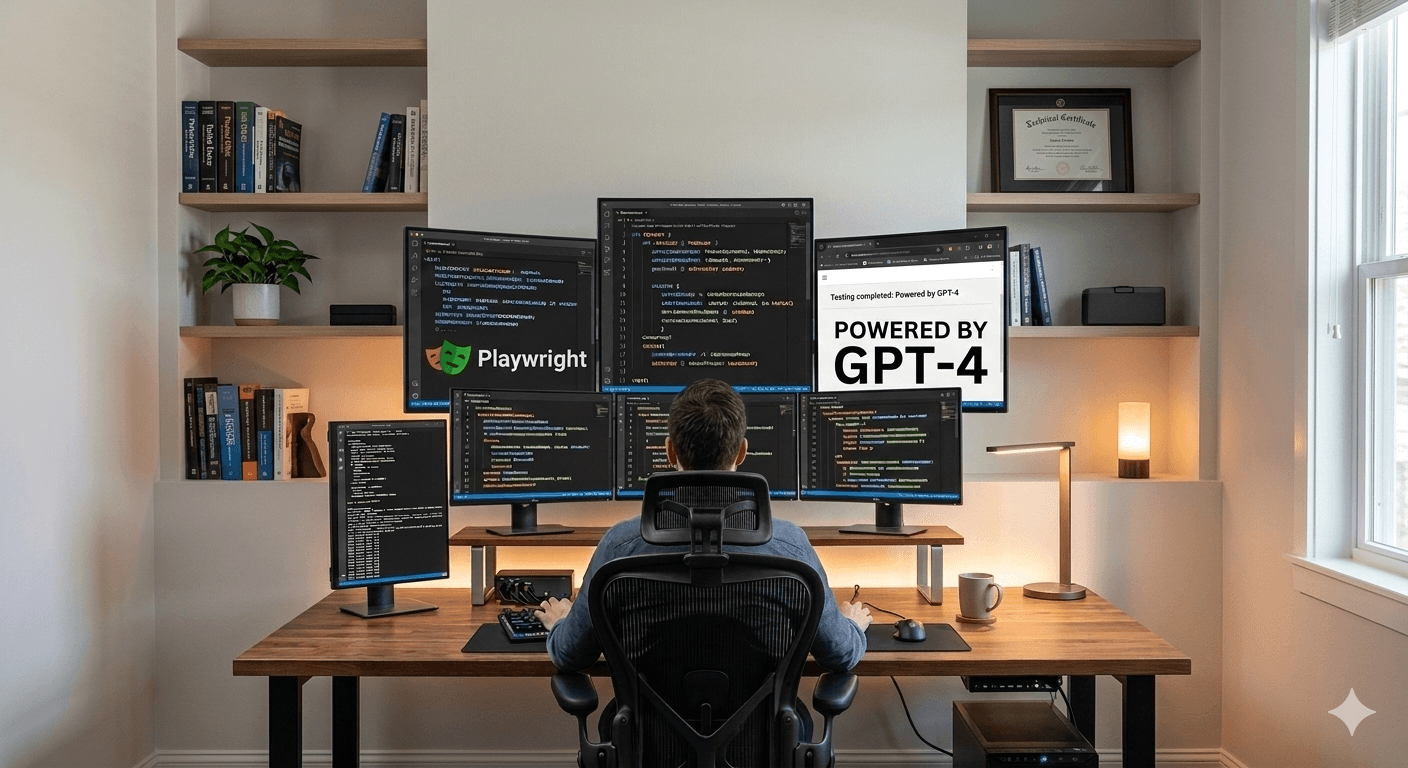
GPT-5.4 + Playwright: AI That Can Automatically Test and Fix Web Applications
One of the most interesting capabilities introduced with GPT-5.4 is its ability to interact with browsers using Playwright. This feature moves AI beyond generating code and into actually running automated browser tests, debugging UI issues, and fixing problems automatically. For developers and QA engineers, this could represent a major shift in how web applications are tested.
Let’s explore how GPT-5.4 uses Playwright to automate browser testing and what it means for the future of software development.
What Is Playwright?
Playwright is a modern browser automation framework created by Microsoft. It allows developers to control browsers programmatically and simulate real user interactions.
With Playwright, developers can:
- Launch browsers automatically
- Click buttons and fill forms
- Navigate through pages
- Capture screenshots
- Test UI behavior
- Run end-to-end automation tests
It supports multiple browsers including:
- Chromium
- Firefox
- WebKit
Because of its speed and reliability, Playwright has become one of the most popular tools for end-to-end web testing.
How GPT-5.4 Uses Playwright
GPT-5.4 introduces an experimental capability called Playwright (Interactive). This allows the AI model to generate and run Playwright scripts while interacting with a real browser environment. Instead of just suggesting code, the model can actually:
- Write Playwright test scripts
- Launch the browser
- Interact with the UI
- Observe what happens
- Debug issues in real time
This makes GPT-5.4 capable of performing automated UI testing workflows on its own. Using Playwright, GPT-5.4 can follow a continuous improvement cycle.
The workflow typically looks like this:
Write Code → Run Application → Test with Playwright → Detect Issues → Fix Code
This loop allows the AI to identify bugs and correct them automatically.
For example, if a login button fails during testing, GPT-5.4 could:
- Detect the failure
- Inspect the code
- Update the selector
- Rerun the test
This creates a powerful self-improving testing workflow.
Visual Debugging with Playwright
One of the most powerful aspects of Playwright integration is visual interaction with the browser.
GPT-5.4 can:
- Inspect page elements
- Analyze page structure
- Detect UI errors
- Evaluate layout problems
This makes it possible for the AI to debug front-end issues the same way a developer would while manually testing a site.
Example Use Case
Imagine a developer building a new web application.With GPT-5.4 and Playwright, the AI could:
- Generate the application code
- Launch the app locally
- Open the browser
- Navigate through different pages
- Test login and signup flows
- Detect broken UI elements
- Automatically fix the code
This dramatically reduces the time required for manual UI testing and debugging.
Final Thoughts
The integration of Playwright with GPT-5.4 represents an exciting step toward fully autonomous software testing.
By combining browser automation with advanced reasoning, GPT-5.4 can:
- Generate Playwright scripts
- Interact with web applications
- Test user flows
- Identify issues
- Fix bugs automatically
For developers and QA engineers, this could mark the beginning of a new era where AI becomes an active collaborator in building and testing software.
Source: OpenAI announcement on GPT-5.4 – https://openai.com/index/introducing-gpt-5-4/